How do I prepare artwork files for custom scarf printing?
Supply vector or high-resolution raster artwork with Pantone references and layout
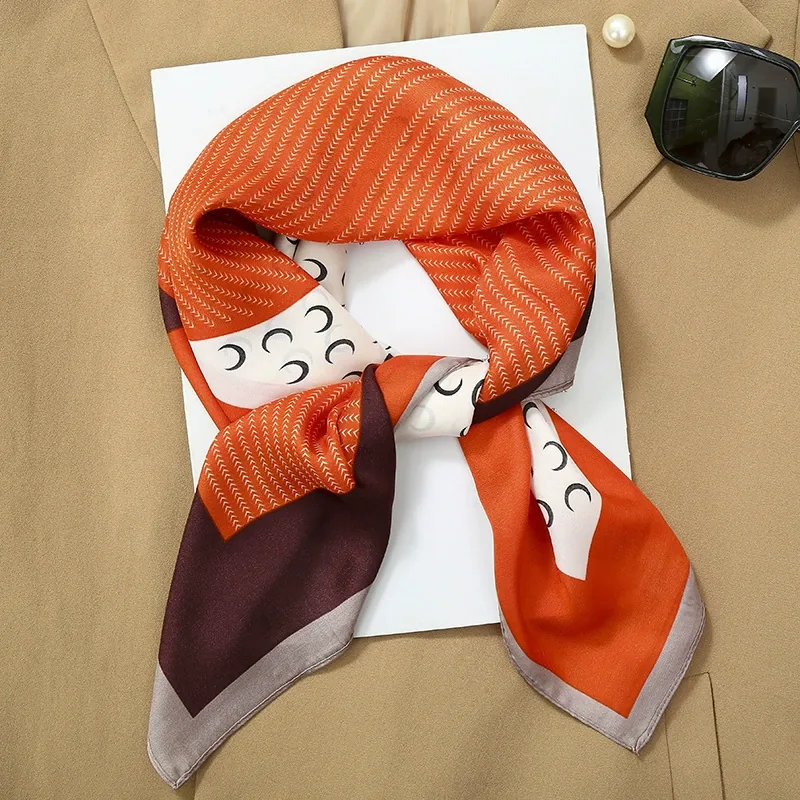
Prepare your artwork as vector files where possible, or as high-resolution raster files if vector is not available. Vector files scale cleanly to any scarf size; raster files must be large enough to print at the final dimensions without visible pixelation.
File format - vector (AI, EPS, PDF) is preferred for screen print and digital print. Raster (TIFF, PSD) is acceptable for digital print if resolution is sufficient for the print size.
Resolution - for raster artwork, supply at a resolution that holds detail at the final print size. The exact minimum depends on the fabric and print method, and is confirmed at sample stage.
Repeat and placement - for a square scarf, indicate whether the design is a single placement, a border, or a repeating pattern. Supply a layout showing how the design sits on the square, including any border or hem allowance.
Colour separation - for screen print, supply colour-separated artwork with one layer per colour. For digital print, supply a full-colour file.
Pantone references - list the Pantone numbers for each colour so we can match as closely as the fabric and print method allow.
Send the artwork with your layout and colour references, and we will confirm feasibility at sample stage.
Related: How do you stop printed scarf colours from bleeding · Can you make bandanas for a brand launch or event · What is the MOQ for custom bandanas
Related reading.
Get a wholesale quote today.
Tell us the product, quantity and destination — we'll reply with pricing and lead time within one business day.
Request a Quote